You haven't signed in yet, you can have a better experience after signing in
*Please complete the payment within {{receiveCouponInfo.expire_at}}Previous use*
You haven't signed in yet, you can have a better experience after signing in


Activity Rules
1、Activity time:{{ info.groupon.start_at }} ~ {{ info.groupon.end_at }}。
1、Activity time:cease when sold out。
2、Validity period of the Group Buying:{{ info.groupon.expire_days * 24 }} hours。
3、Number of Group Buying:{{ info.groupon.need_count }}x。
Please Pay Attention
1、Teamwork process: Join/initiate a Group Buying and make a successful payment - Within the validity period, the number of team members meets the activity requirements - Group Buying succeeded!
2、If the number of participants cannot be met within the valid period, the group will fail, and the paid amount will be refunded in the original way.
3、The number of people required and the time of the event may vary among different products. Please pay attention to the rules of the event.
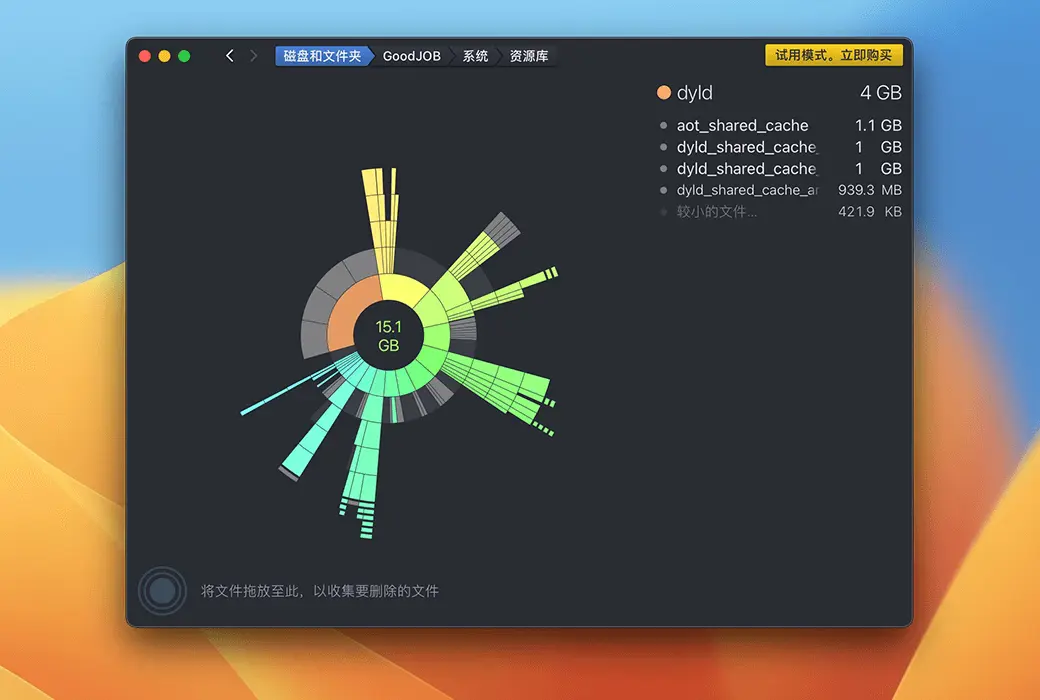
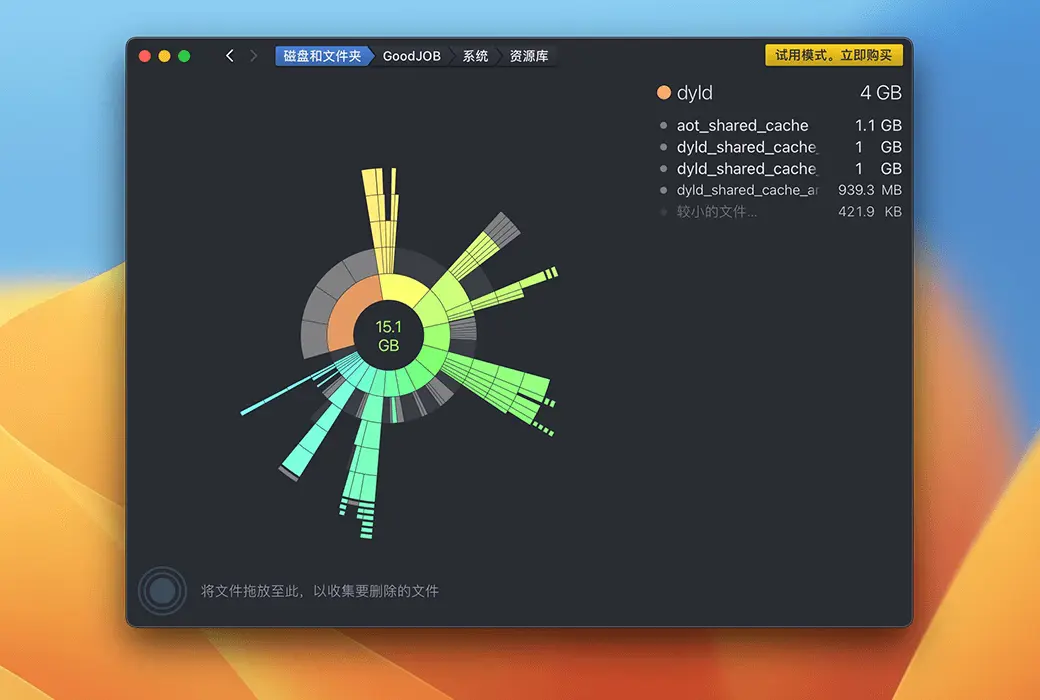
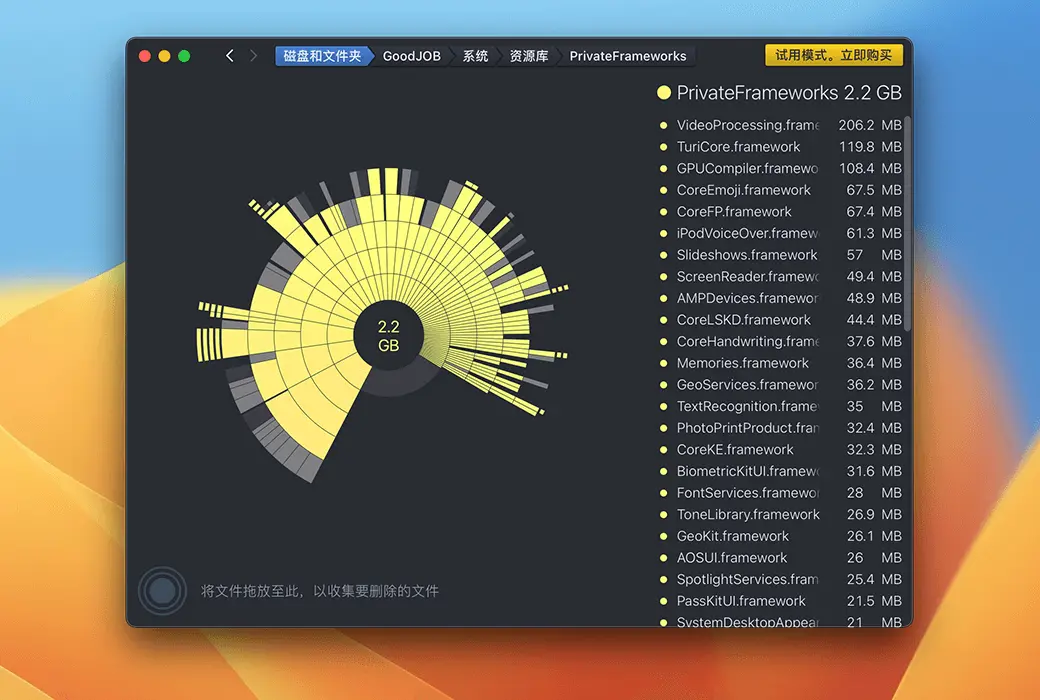
When working on a Mac, you can create and download a large number of files, but rarely delete any content. At times, you may find that the boot disk is full. What should I do?
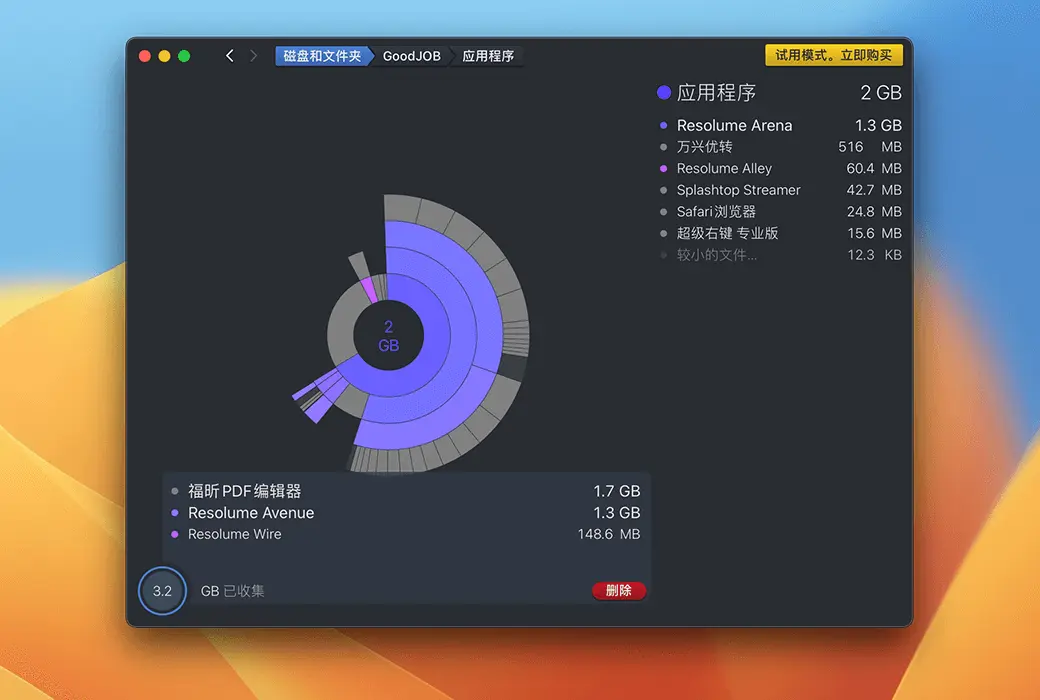
A larger disk will cost you several hundred yuan. The annual fee for cloud storage is roughly the same. Now get DaisyDisk for around 60 yuan and easily free up enough space by deleting useless data.
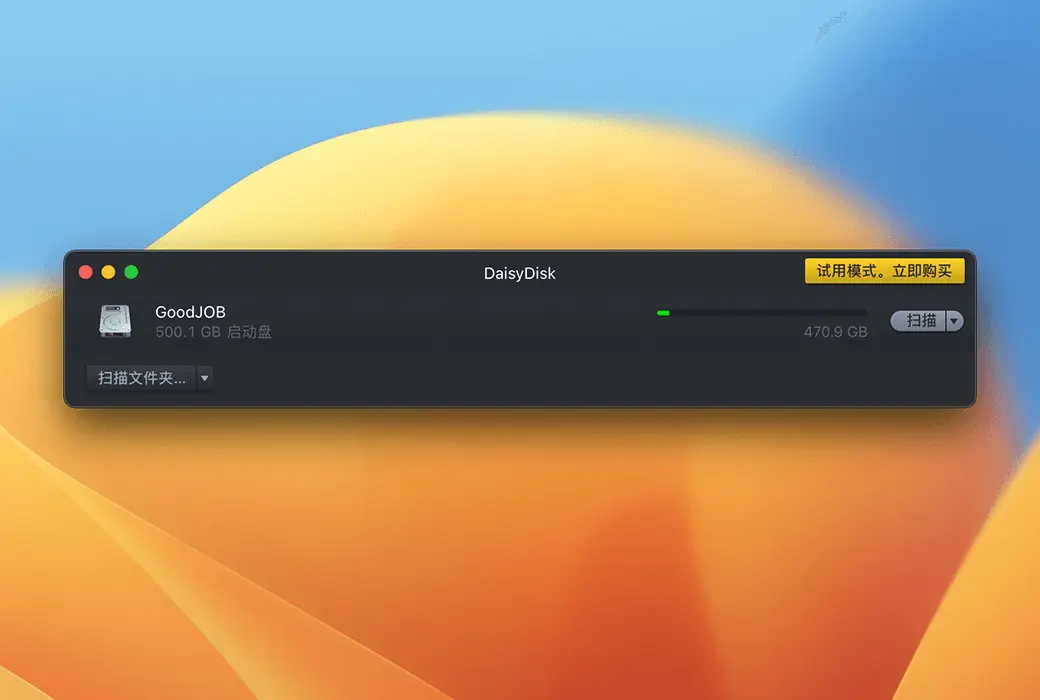
DaisyDisk also provides you with an overview of all connected disks, whether it's Macintosh HD, Thunderbolt disks, flash memory, or network storage, you can quickly scan and easily clear them.
All displayed data will be updated in real-time, so you can always check if there is enough space to install new games or download high-definition movies.
characteristic:
Official website:https://daisydiskapp.com/
Download Center:https://daisydisk.apsgo.cn
Backup Download:N/A
Delivery time:24-hour automatic shipping
Operating Platform:macOS
Interface language:Supports Chinese interface display and multiple language options.
Update Description:Support minor version upgrades and updates.
Trial before purchase:Free trial is available before purchase.
How to receive goods:After purchase, the activation information will be sent to the email address at the time of placing the order, and the corresponding product activation code can be viewed in the personal center, My Orders.
Number of devices:Can install and activate 5 Macs for users.
Replace computer:Uninstall the original computer and activate the new computer.
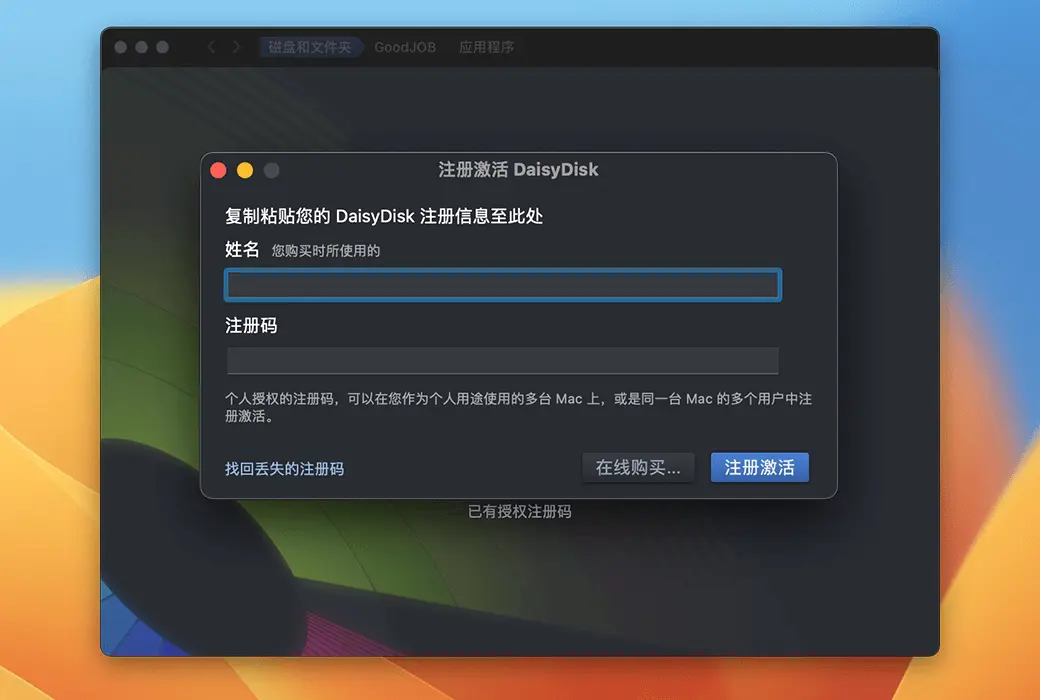
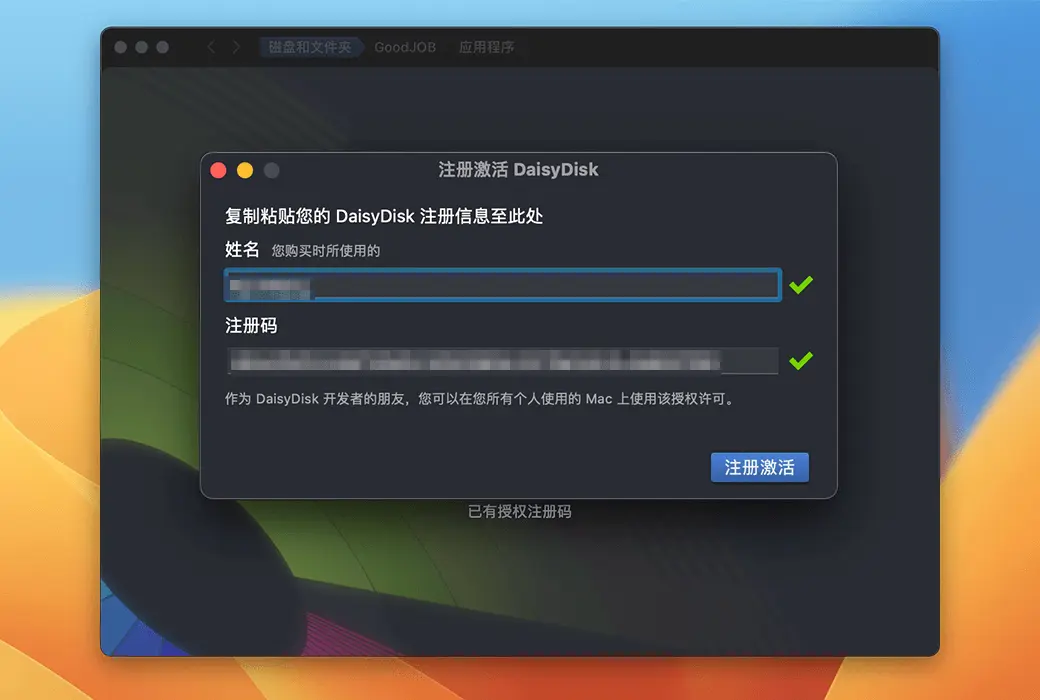
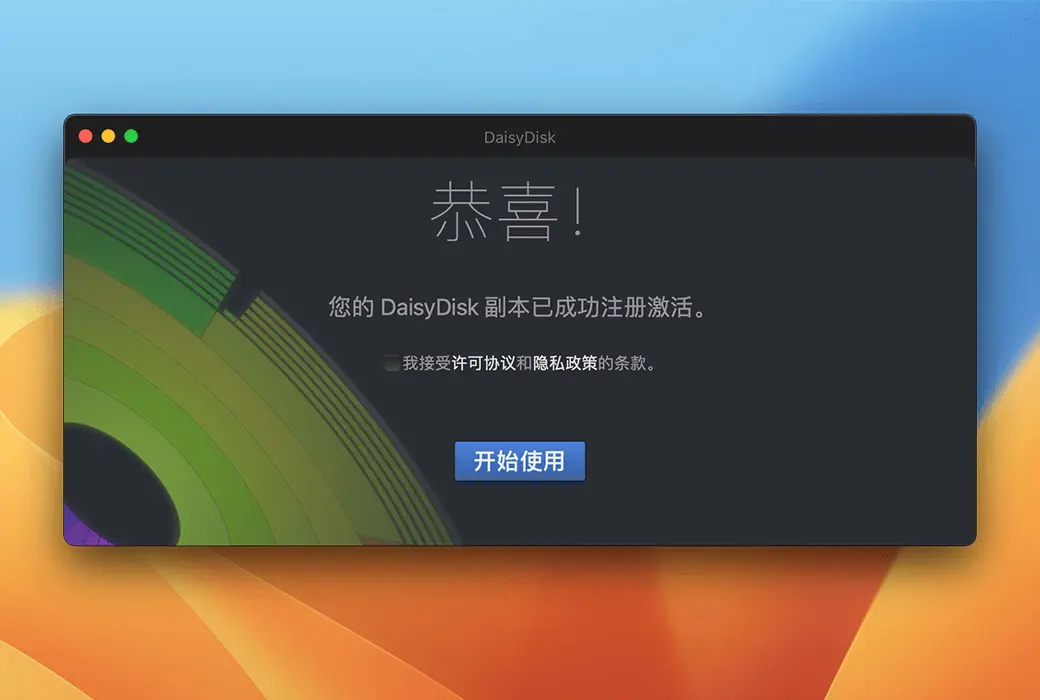
Activation guidance:Menu Bar DaisyDisk>; Register Activation
Special note:When placing an order, the name will be bound to the license, please fill in carefully.
reference material:https://daisydiskapp.com/eula

Any question

您好,iOS无法为DaisyDisk构建,因为iOS会“沙箱”所有应用,这意味着每个应用只能访问自己的文件夹。
从技术上讲,任何iOS应用都不可能扫描整个设备光盘
最接近的替代方案是将iOS设备连接到Mac,并用DaisyDisk作为外置硬盘扫描
不过请注意,设备磁盘的某些区域仍然无法访问,除非你越狱(我们不推荐这样做)
此外,与macOS不同,iOS文件夹的结构相当不透明,直接操作可能会破坏系统或应用的完整性
基于这些原因,我们建议使用iOS内置的空间管理器(在系统设置中)